1. Visit www.omise.com and create an account to obtain the required credentials.
2. Go to https://dashboard.addtocraft.com. After logging in, navigate to Site Management and click the Management button for your site.

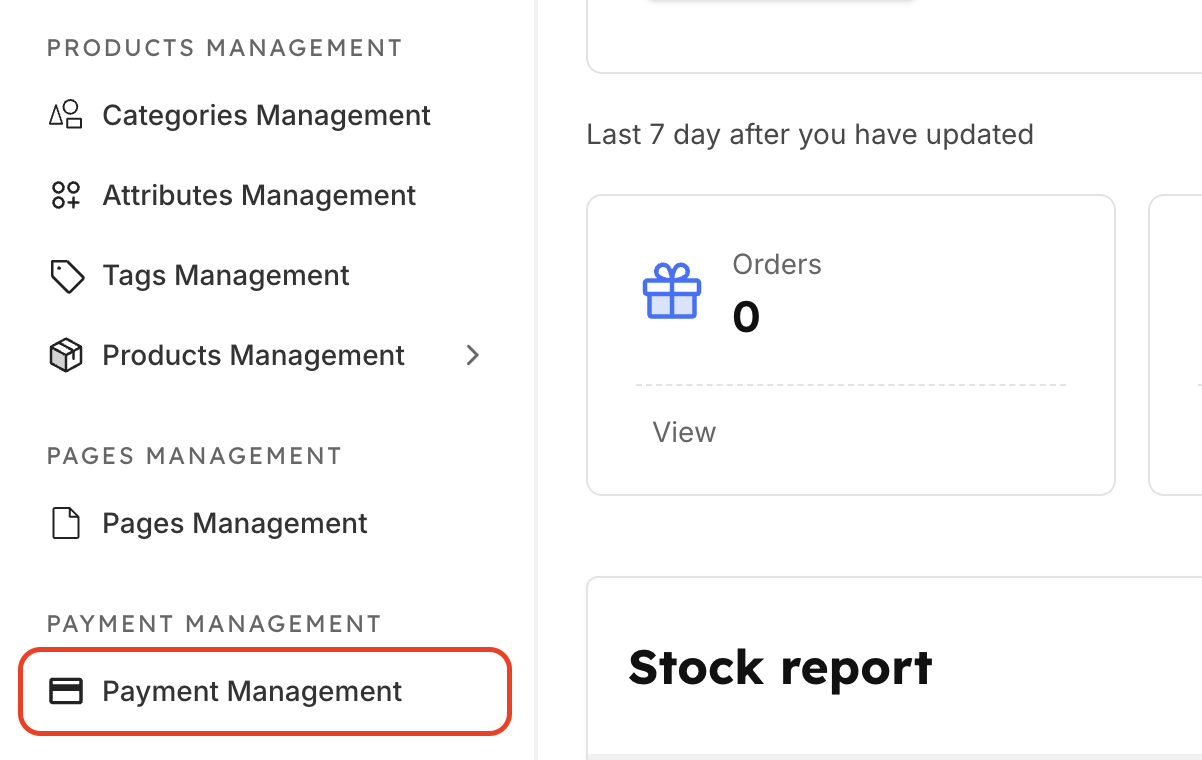
3. In the sidebar menu, select Payment Management.
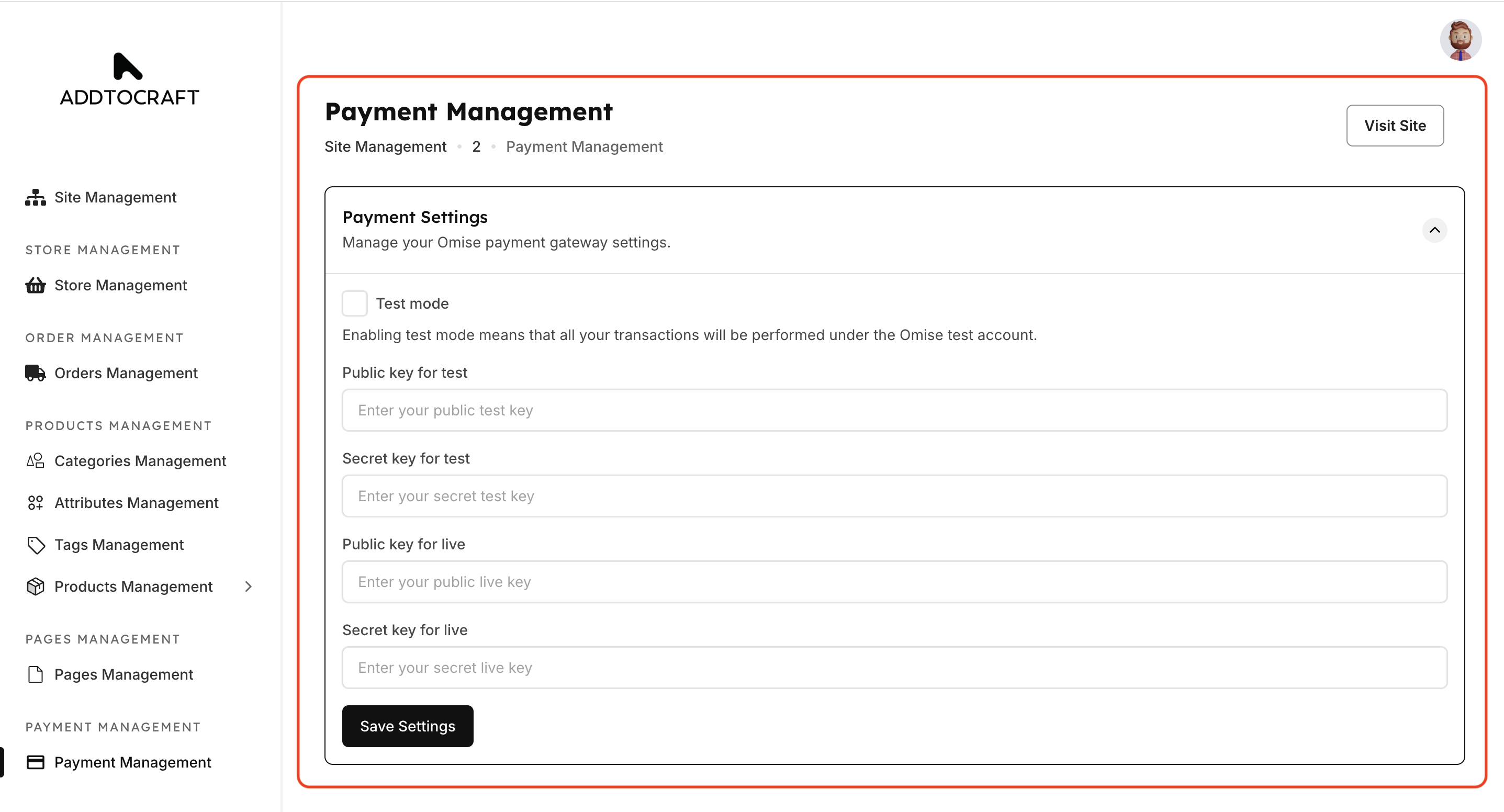
4. In the Payment Settings section, enter all the information you received from Omise .
5. To learn how to get the API keys from Omise, see: Omise Documentation - How to Access API Keys (Thailand).