1. After logging in, navigate to the Site Management page.
2. On this page, you'll see a Claim Domain button for each site.

3. Users can only claim a domain when the site's status is set to Running.

4. Each user is allowed to claim one free domain.
5. After clicking the Claim Domain button, one of two scenarios will occur:
If the user does not have a payment method:
5.1. An alert will appear, prompting the user to add a payment method.
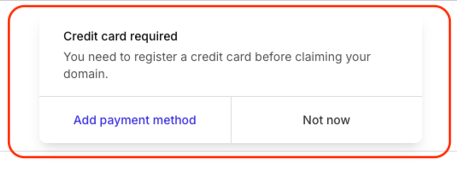
5.2. Respond to the alert by clicking "Add Payment Method", or go to https://billing.addtocraft.com to add one manually.
5.3. After adding a payment method, return to the Site Management page by clicking the Site Management button in the billing site's menu.

If the user already has a payment method:
5.4. An alert will prompt the user to proceed.
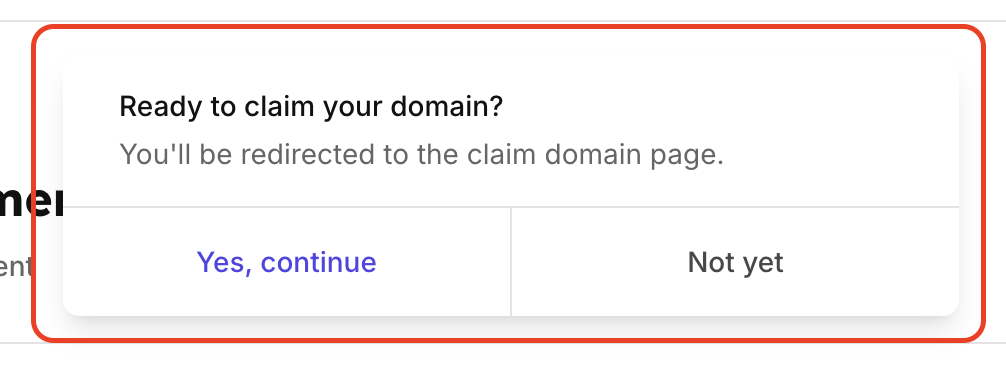
5.5. Check if the desired domain is available.
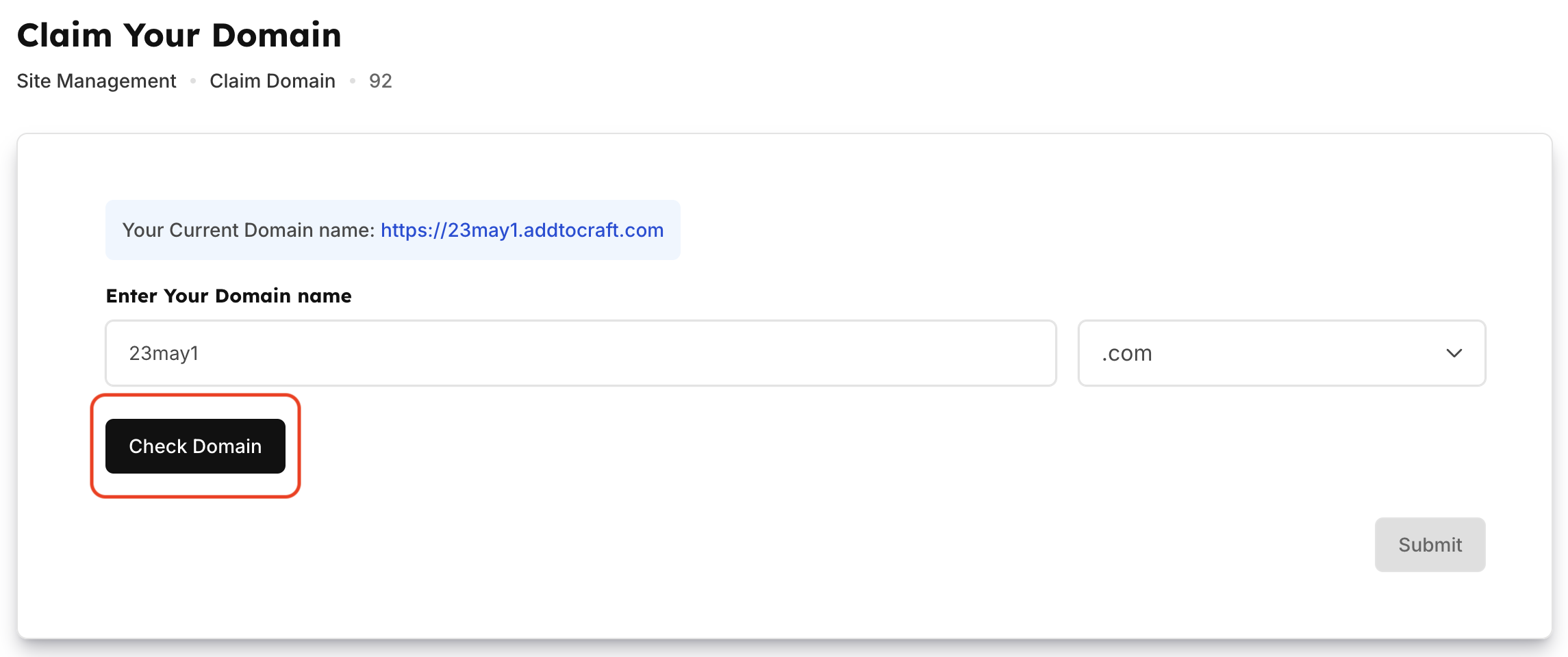
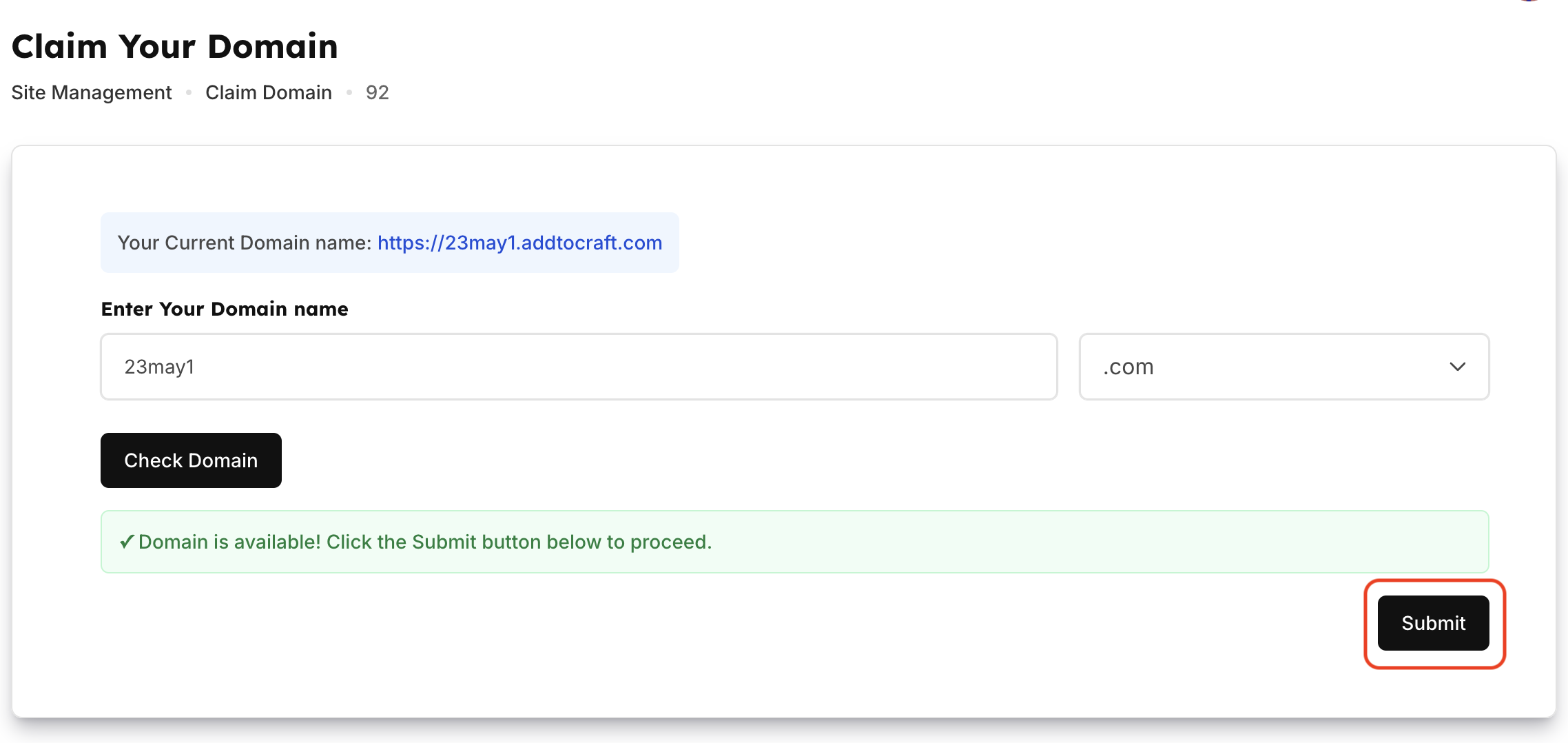
6. If the domain is available, click Submit. You will be redirected back to the Site Management page.
7. If the process is successful, the status will change to Processing. Please allow up to 24 hours for the site URL to be updated with the new domain.

8. Once the domain has been successfully claimed, the status will change to Claimed.